mirror of
https://github.com/jxpeng98/obsidian-to-NotionNext
synced 2026-07-29 08:08:34 +08:00

1.2 KiB
1.2 KiB
title, description
| title | description |
|---|---|
| Installation | Guide to installing the Obsidian to NotionNext plugin |
Installation
Once you have completed the previous section setup on the Notion side, you can install and configure the plugin in Obsidian.
-
Open Obsidian's
Settings.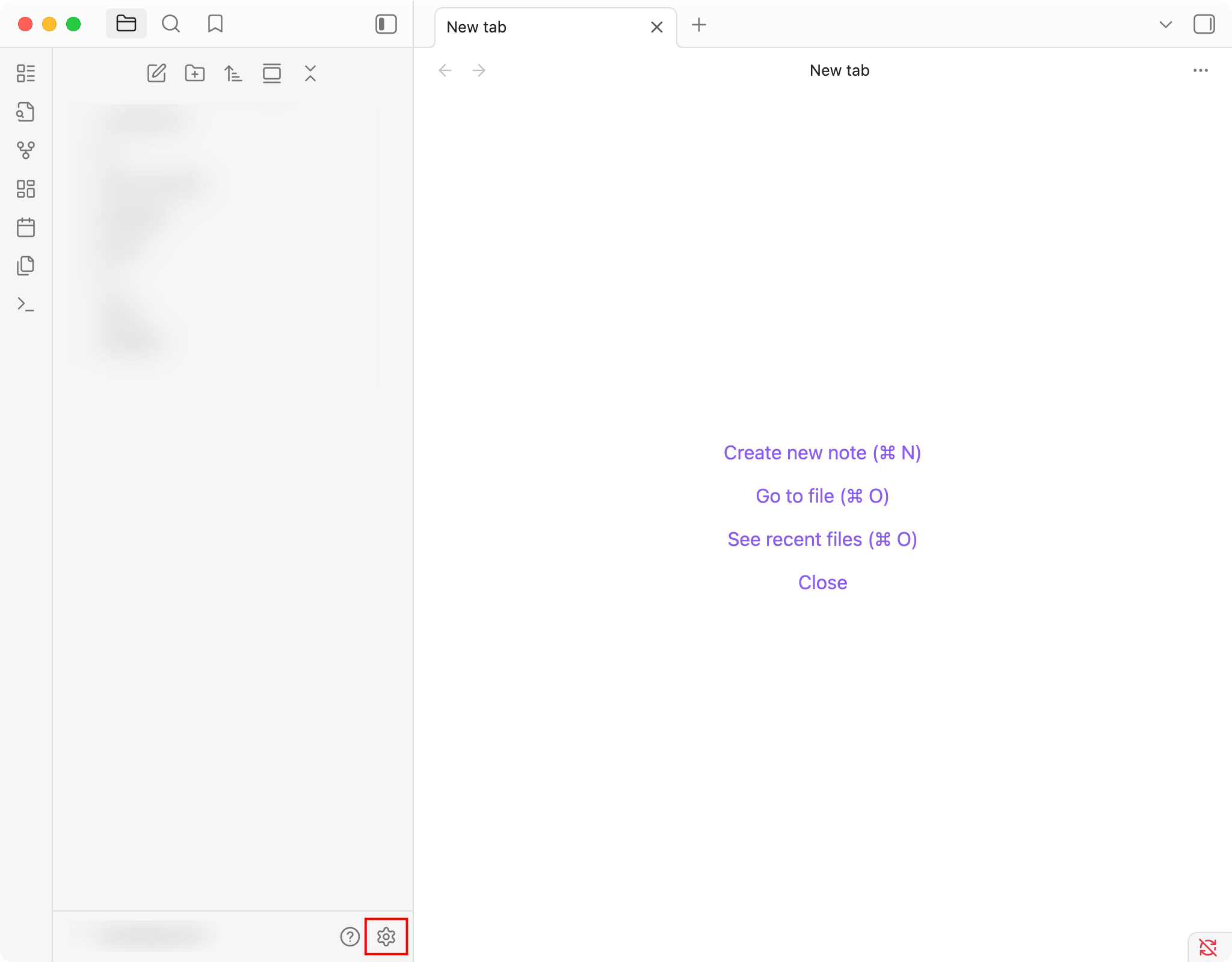
-
Navigate to
Community plugins.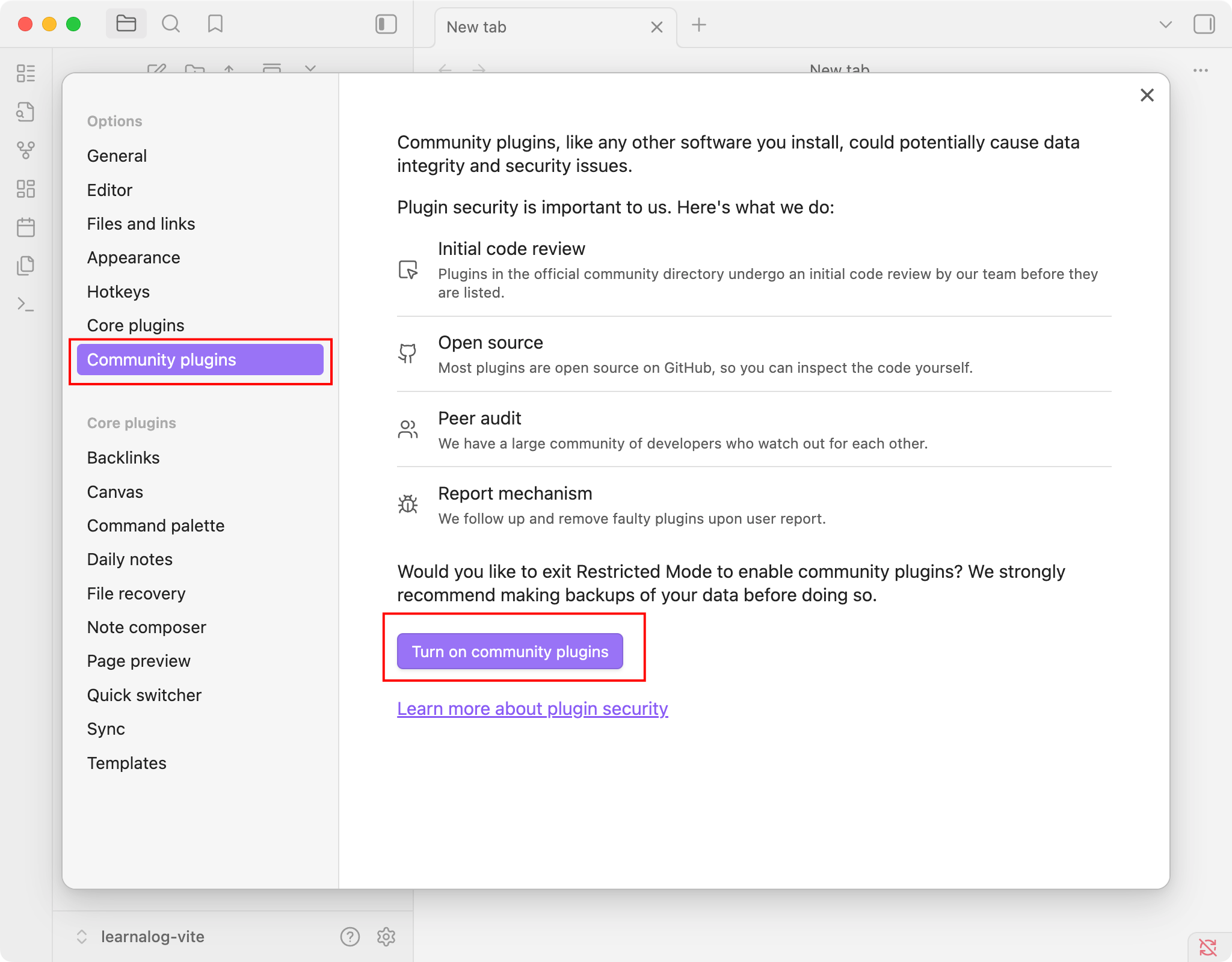 ::: tip
If you haven't enabled community plugins before, you may need to turn off
::: tip
If you haven't enabled community plugins before, you may need to turn off Safe modefirst (Turn on Community plugins). ::: -
Go to
Community plugins->Browse.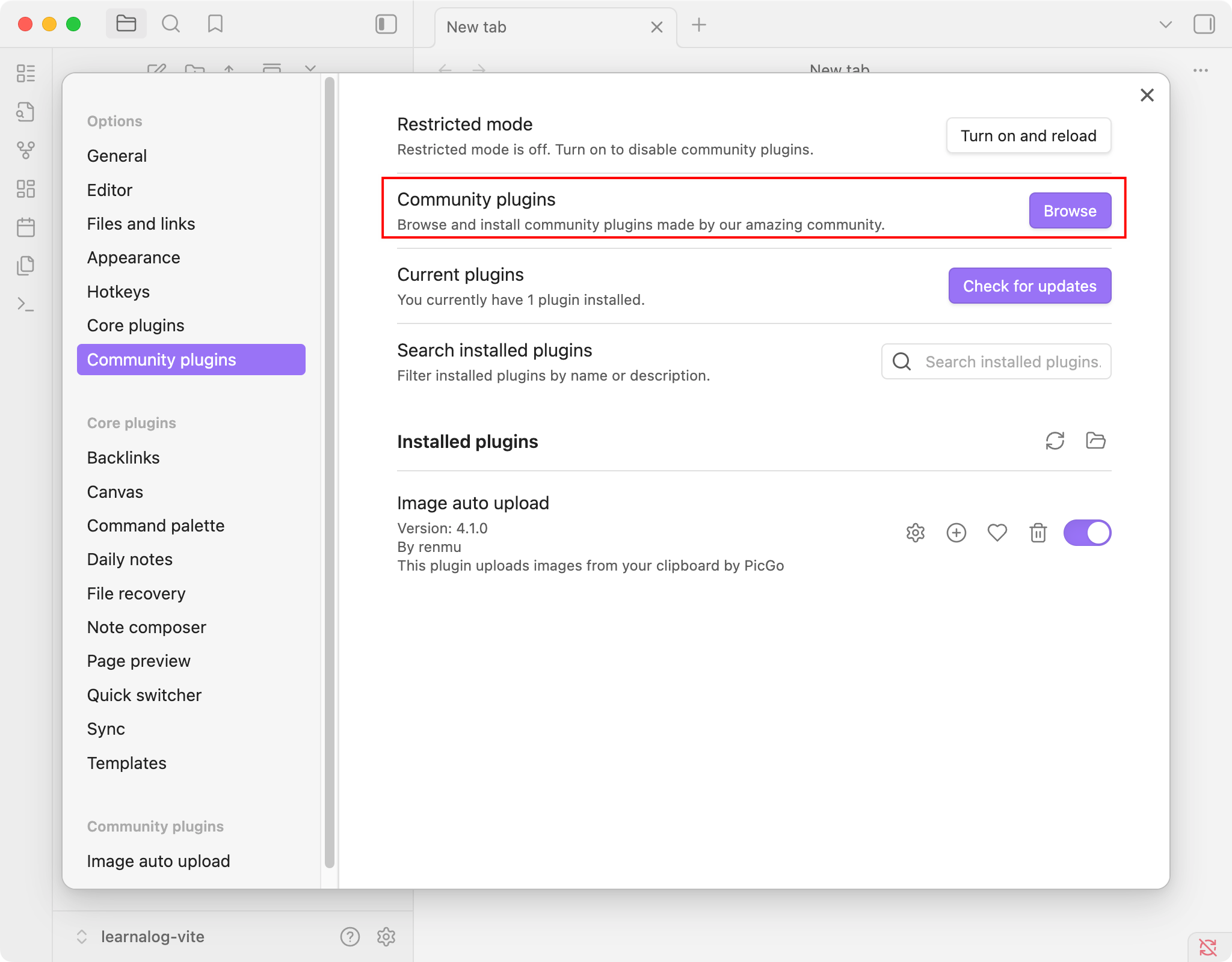
-
Search for "NotionNext" and click
Install.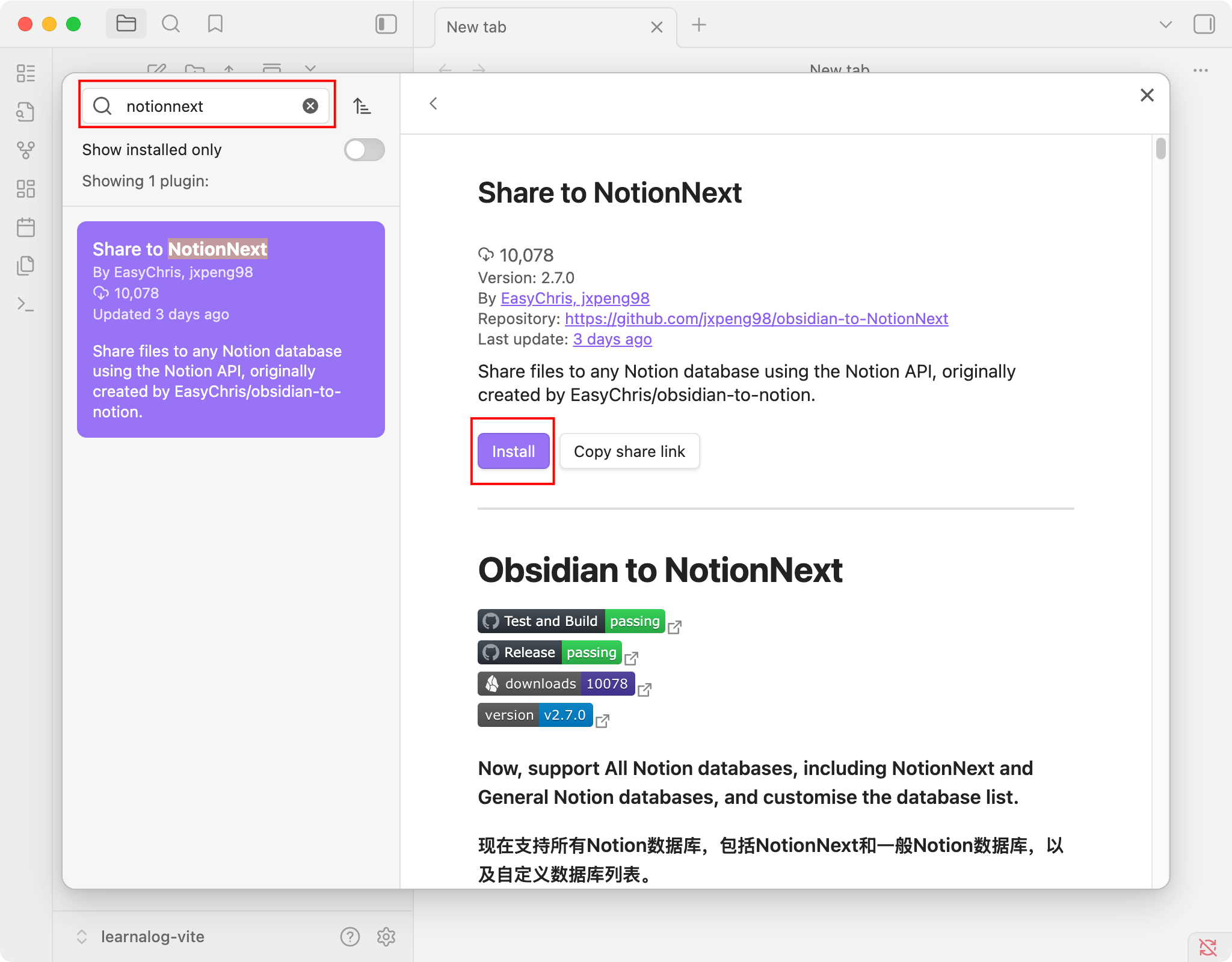
-
After installation, enable the plugin.
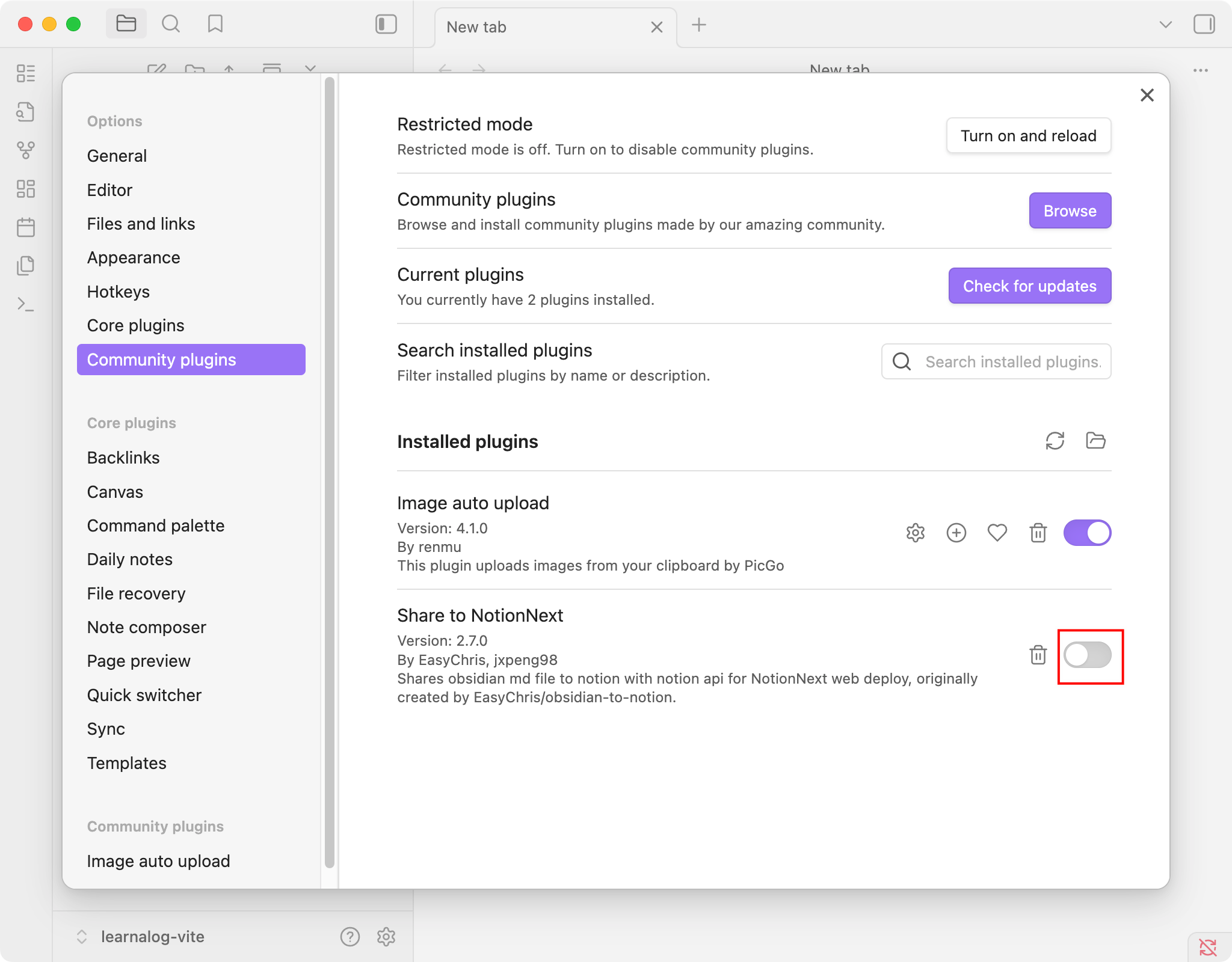
Now, once enabled, you can find the "Share to NotionNext" settings in the plugin settings tab to begin configuring your databases in the next step.